React Router Not Working on Vercel?
Here's the Solution to Fix Sub-Routes Error on Vercel!

Hey 👋🏻,
I am Arindam Majumder, a Software Engineer from India. I am interested in, write about, and develop (open source) software solutions for and with Next.js, JavaScript, ReactJs, and Python.
📬 Get in touch
Twitter: twitter.com/Arindam_1729 Blog: dev.to/arindam_1729 YouTube: youtube.com/@Arindam_1729 LinkedIn: linkedin.com/in/arindam2004 GitHub: github.com/Arindam200
📧 Sign up for my newsletter.
Introduction
Hey there, Fellow devs!👋🏼
Recently, I was working on a project and got a wired issue with Vercel Deployment. So after searching a bit and going through Stackoverflow, I got a solution that I believe could benefit others facing similar challenges
In this article, we'll explore How to fix Vercel React Sub-routes-related problems.
So, Without Delaying Further, Let's START!
What is Vercel?

Before we begin, If you don't know what is Vercel! Vercel is a cloud platform for deploying modern web applications. In short, Vercel allows developers to:
Deploy websites and apps instantly
Scale automatically
Serve personalised content globally
The Problem:
After Deploying my Recent project to Vercel, I got one Weird Error with sub-routes.
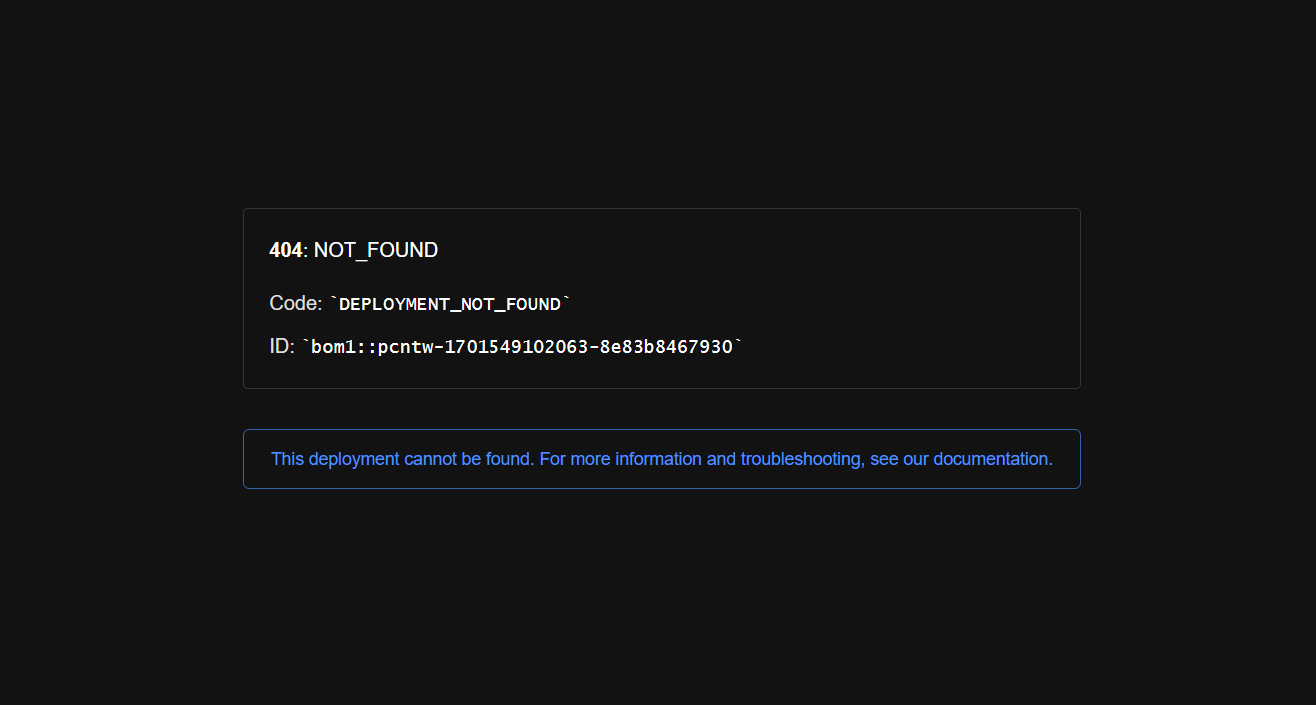
Those Routes were working perfectly on my local system But when I tried to go to a sub-route directly on Vercel (like page/about), it showed a 404 error
The Solution:
To get the Solution to this weird error, I went to the ever-reliable Stackoverflow! And After searching a bit I got the answer!
In the beginning, I thought It was an error of Vite.js but later understood that the issue wasn't with Vite.js itself. The error I got was due to a missing configuration file of Vercel.
In the context of a single-page application, the HTML files for routes generated by React Router might not exist, especially for sub-routes. Therefore, a server-side mechanism is required to redirect all requests to the root ('/') or the index.html file.
To resolve the sub-route accessibility issue, We have to add rewrites to the vercel.json configuration file.
{
  "rewrites": [{ "source": "/(.*)", "destination": "/" }]
}
These rewrite rules instruct Vercel to redirect all incoming requests (regardless of the path) to the root file, ensuring that the React Router can handle the routing on the client side.
Conclusion
If you found this blog post helpful, please consider sharing it with others who might benefit. You can also follow me for more content on Javascript, React, and other web Development topics.
For Paid collaboration mail me at : arindammajumder2020@gmail.com
Connect with me on Twitter, LinkedIn, Youtube and GitHub.
Thank you for Reading :)